Creating an efficient home office workspace is essential for anyone working remotely or managing tasks from home. A well-designed space can boost productivity, promote focus, and support a healthy work-life balance. Whether you have a dedicated room or just a corner of your living space, thoughtful setup and organization can transform your home office into an area where you can work comfortably and efficiently. Here are some helpful tips to get started.
Choose the Right Location
Selecting the best spot in your home is the foundation of an effective workspace.
– Find a quiet area: Try to locate a space with minimal distractions. Avoid high-traffic or noisy areas if possible.
– Natural light: Position your desk near a window to benefit from daylight, which helps reduce eye strain and improves mood.
– Comfortable privacy: Ensure your workspace offers some privacy, allowing you to focus on tasks without interruption.
Invest in Comfortable and Functional Furniture
Your furniture choices greatly impact comfort and productivity.
– Ergonomic chair: A supportive chair helps maintain good posture and reduces back pain. Look for adjustable height and lumbar support.
– Desk size: Choose a desk that fits your space but is large enough to hold essentials like your computer, paperwork, and accessories.
– Standing desk options: Consider a sit-stand desk or a desk converter to change positions throughout the day, which can increase comfort and energy.
Organize Your Workspace
A clutter-free workspace enhances focus and efficiency.
– Declutter regularly: Keep only necessary items on your desk. Store extra supplies in drawers or containers.
– Use organizers: Desk trays, pen holders, and filing systems help keep everything in its place and easy to access.
– Cable management: Use cable ties, clips, or sleeves to organize cords and prevent tangling.
Optimize Lighting
Proper lighting reduces eye strain and improves concentration.
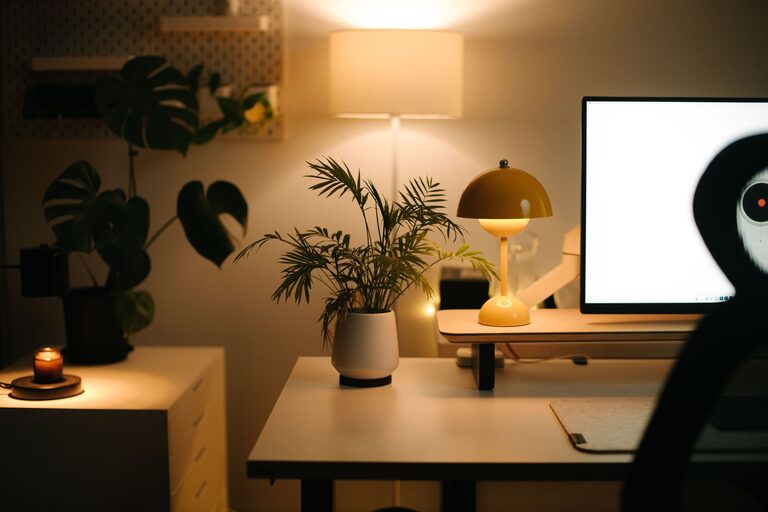
– Combine natural and artificial light: Use a desk lamp with adjustable brightness to supplement natural light, especially in evenings.
– Avoid glare: Position monitors to minimize reflections from windows or lights.
– Use warm or neutral bulbs: These create a comfortable environment without harshness.
Set Up Technology Efficiently
Your tech setup supports your workflow and connectivity.
– Reliable internet: Ensure a strong Wi-Fi connection or consider a wired Ethernet connection for stability.
– Multiple monitors: If your work involves multitasking, using two screens can increase productivity.
– Keyboard and mouse: Choose comfortable, efficient peripherals that suit your style.
Establish Healthy Work Habits
Your workspace can encourage good habits that improve well-being.
– Incorporate breaks: Use timers or apps to remind yourself to stretch and rest your eyes periodically.
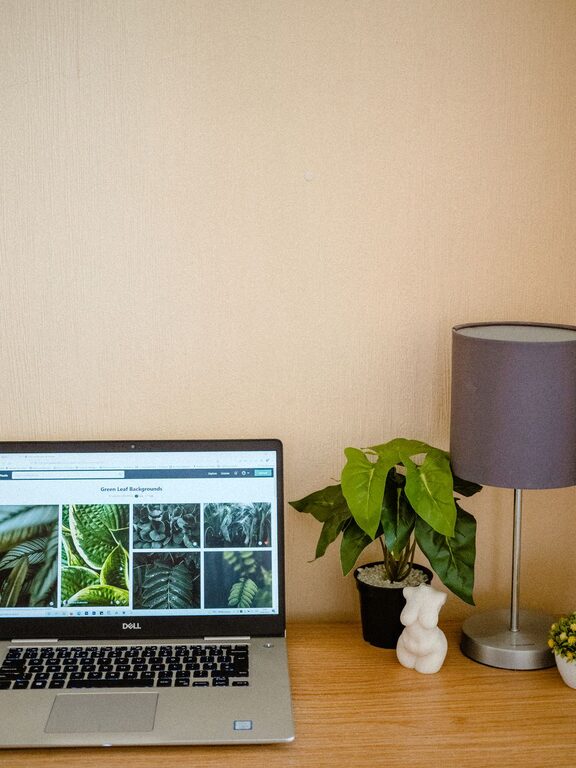
– Add personal touches: Plants, artwork, or photos can make the space inviting and reduce stress.
– Maintain a routine: Consistent work hours and workspace setup help signal when it’s time to focus.
Manage Noise and Distractions
Minimizing interruptions helps maintain productivity.
– Noise-canceling headphones: These are helpful if background noise is unavoidable.
– White noise machines or apps: They can mask distracting sounds.
– Inform household members: Communicate your work hours and need for quiet.
Keep Essentials Within Reach
Organize your workspace to reduce unnecessary movement.
– Frequently used items: Keep pens, notebooks, chargers, and other essentials close by.
– Use shelves and drawers: Store materials you use less often but need accessible.
Maintain Cleanliness and Freshness
A clean workspace supports a clear mind.
– Regular cleaning: Wipe down surfaces and keyboards regularly to maintain hygiene.
– Ventilation: Open windows or use an air purifier to keep the air fresh.
—
Crafting your ideal home office is a personal process. Experiment with these tips to discover what works best for you. With a well-planned space, you will find it easier to stay productive, comfortable, and motivated throughout your workday.
About the Author