Creating a productive home office space is essential for anyone working remotely or managing tasks from home. A well-designed workspace can improve focus, comfort, and efficiency, helping you to separate work from personal life. Whether you have a dedicated room or just a corner in your living room, these tips will guide you in making the most of your home office.
Choose the Right Location
Find a Quiet Spot
Select a space away from distractions such as the television, busy family areas, or noisy streets. A quiet spot helps maintain concentration and reduces interruptions during work hours.
Consider Natural Light
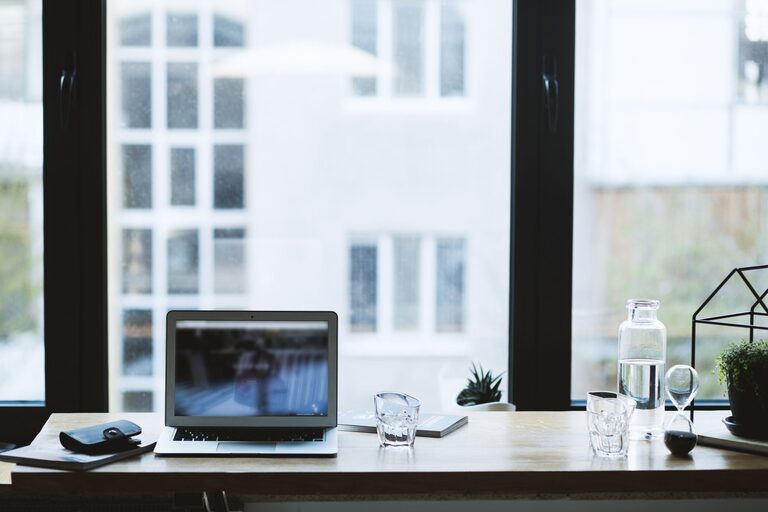
Position your desk near a window to benefit from natural light. Sunlight can boost your mood and energy levels. However, avoid glare on your computer screen by angling your desk or using adjustable blinds.
Invest in Comfortable and Functional Furniture
Ergonomic Chair and Desk
Choose a chair that supports good posture with adjustable height and lumbar support. Your desk should be at a comfortable height to work without straining your shoulders or wrists.
Desk Size and Storage
Pick a desk size that fits your equipment and allows room for writing or other tasks. Incorporate storage solutions like shelves, drawers, or organizers to keep clutter at bay.
Organize Your Workspace
Declutter Regularly
Clear your desk of unnecessary items to maintain focus. A clean workspace helps reduce stress and distractions.
Use Organizers
Desk trays, cable management tools, and filing systems keep everything neat and easily accessible. Label folders and boxes for quick retrieval.
Set Up Technology Efficiently
Reliable Internet and Equipment
Ensure your internet connection is fast and stable. Invest in quality hardware such as a good monitor, keyboard, and mouse to improve comfort and productivity.
Manage Cables Wisely
Use cable clips or sleeves to keep wires tidy. This reduces hazards and maintains a professional, organized look.
Personalize Your Space
Add Plants or Art
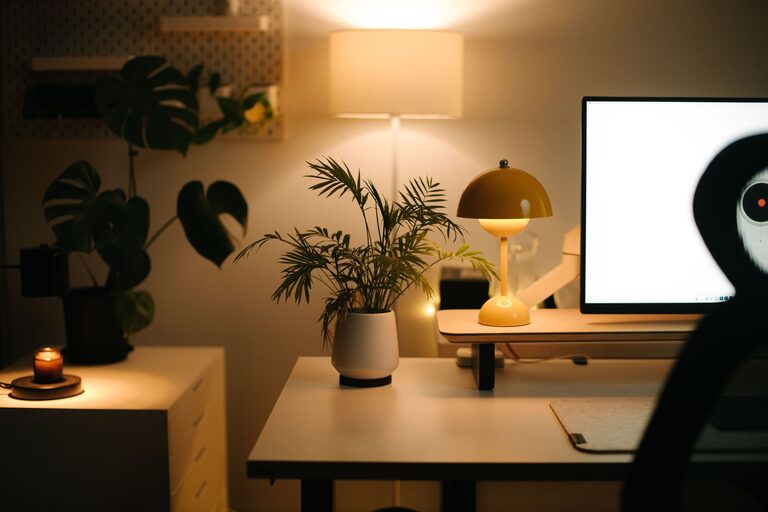
Incorporate greenery or artwork to create an inspiring environment. Plants can improve air quality and bring a sense of calm.
Choose Calming Colors
Use colors like soft blues, greens, or neutrals for your walls and decor to foster a peaceful atmosphere.
Set Up Boundaries and Routines
Define Work Hours
Maintain a schedule to separate work time from personal time. This helps avoid burnout and improves focus during work periods.
Create Visual Boundaries
If your workspace shares a room with other functions, use room dividers or rugs to designate your office area clearly.
Prioritize Lighting and Ventilation
Use Task Lighting
In addition to natural light, have a desk lamp to illuminate your workspace during darker hours. Adjustable lighting reduces eye strain.
Keep Air Circulating
Good ventilation improves comfort and alertness. Open windows regularly or use a small fan or air purifier if necessary.
Include Break Areas if Possible
Having a comfortable spot nearby for stretch breaks can improve productivity by giving your mind a rest. Even a simple chair or standing area helps.
—
Setting up a home office that suits your personal workflow and lifestyle is key to staying productive and motivated. Try out these tips and adjust as needed to create a space where you can work efficiently and comfortably every day.
About the Author